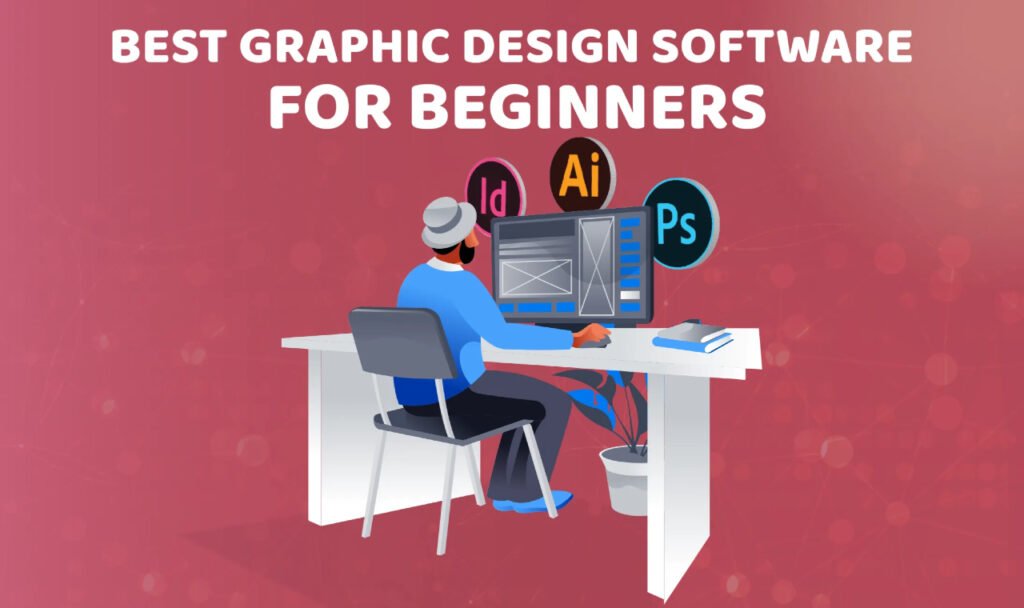
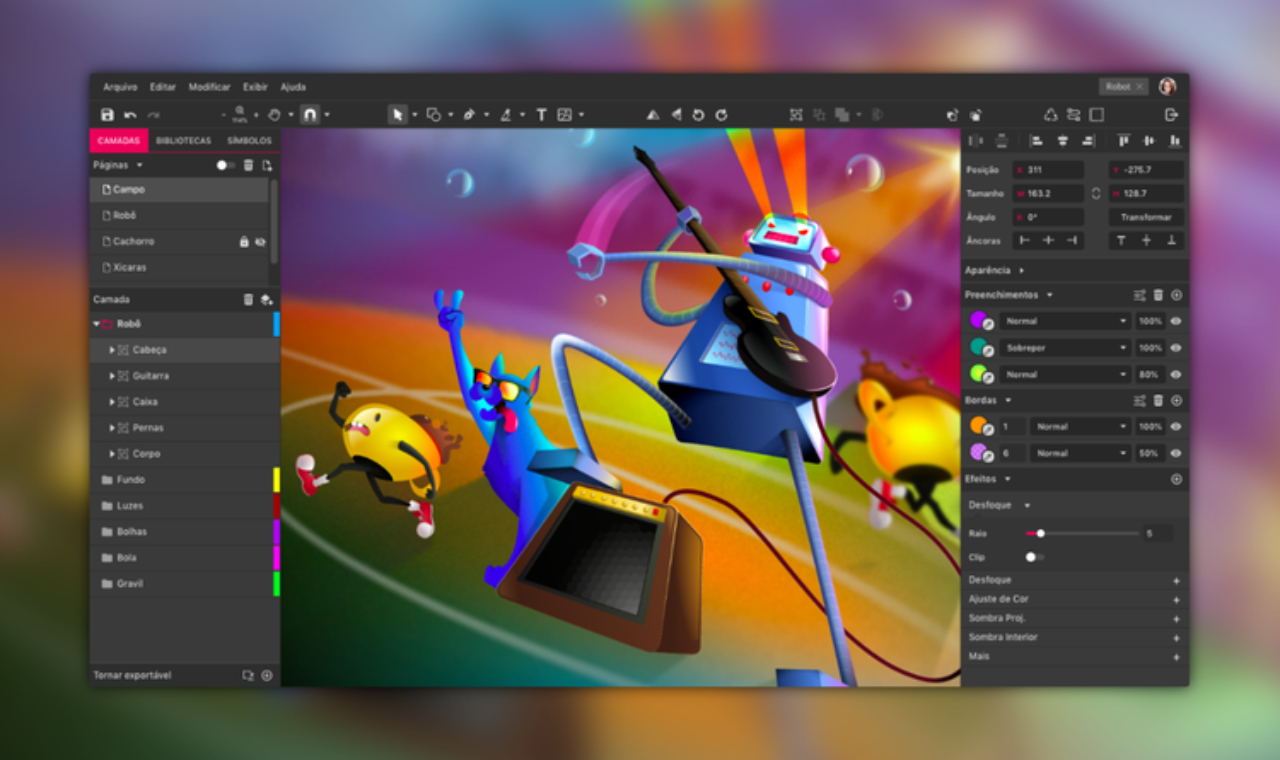
The best graphic design software depends on the type of work you do, but Adobe Photoshop, Adobe Illustrator, and Figma are currently among the most widely used professional tools.
There is no single “best” software for every designer. A logo designer, UI designer, and social media designer may all use different tools because each tool is built for different purposes.
The best software is the one that fits your workflow and goals.
Adobe Photoshop
Adobe Photoshop remains one of the most popular design tools in the world.
It is best for:
- Photo editing
- Social media graphics
- Digital artwork
- Marketing creatives
- Image manipulation
Strengths
- Industry standard
- Powerful editing capabilities
- Extensive plugin ecosystem
- Strong AI-powered features
Limitations
- Not ideal for logo design
- Can be resource-intensive
Photoshop is often the first software new designers learn.
Adobe Illustrator
Illustrator is the professional standard for vector design.
It is best for:
- Logo design
- Branding projects
- Icons
- Illustrations
- Print graphics
Strengths
- Infinite scalability
- Precision design tools
- Professional vector workflows
Limitations
- Learning curve for beginners
- Less suitable for photo editing
If your goal is branding or logo design, Illustrator is often the best choice.
Figma
Figma has become one of the most important design platforms in recent years.
It is best for:
- UI/UX design
- Website layouts
- App design
- Team collaboration
Strengths
- Cloud-based
- Real-time collaboration
- Easy sharing and feedback
- Strong prototyping features
Limitations
- Not built for advanced photo editing
- Limited for complex illustration work
Many modern web and product designers use Figma daily.
Adobe InDesign
InDesign specializes in layout design.
It is best for:
- Books
- Magazines
- Catalogs
- Brochures
- Multi-page documents
Strengths
- Professional publishing workflows
- Excellent typography control
- Large document management
Limitations
- Not designed for illustration or image editing
Canva
Canva is designed for accessibility and speed.
It is best for:
- Beginners
- Small businesses
- Social media graphics
- Quick marketing materials
Strengths
- Easy to use
- Huge template library
- Fast content creation
Limitations
- Limited creative control
- Less suitable for advanced professional work
Canva is a productivity tool more than a traditional design tool.
Affinity Designer
Affinity Designer is a popular alternative to Adobe products.
It is best for:
- Vector graphics
- Branding
- Illustration
Strengths
- One-time purchase
- Strong performance
- Professional-quality tools
Limitations
- Smaller ecosystem than Adobe
Many freelancers choose it to avoid recurring subscription costs.
Which Software Should Beginners Learn?
If you are starting from scratch:
For Graphic Design
- Adobe Photoshop
- Adobe Illustrator
For Web and UI Design
- Figma
For Quick Content Creation
- Canva
Learning fundamentals matters more than learning every tool.
What Professional Designers Use Most
Many professionals use a combination of:
- Photoshop for image editing
- Illustrator for vector design
- Figma for interfaces
- InDesign for publishing
The software changes depending on the project.
Professional designers rarely rely on just one tool.
How RanksGiving Views Design Tools
At RanksGiving, tools are considered secondary to strategy.
The focus is on:
- Clear communication
- Strong visual hierarchy
- Brand consistency
- Conversion-focused design
Software helps execute ideas.
Understanding design is what creates results.
The Practical Takeaway
The best graphic design software depends on your goals:
- Photoshop for graphics and photo editing
- Illustrator for logos and branding
- Figma for websites and apps
- InDesign for publications
- Canva for fast content creation
Tools matter, but design principles matter more.
A skilled designer can create great work with many tools.
The software simply makes the process easier.