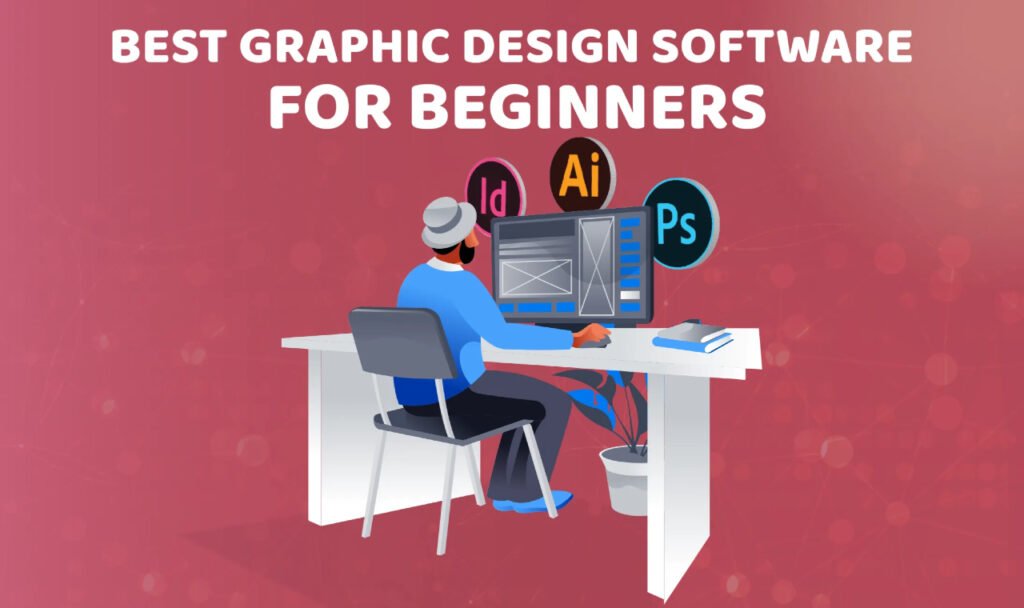
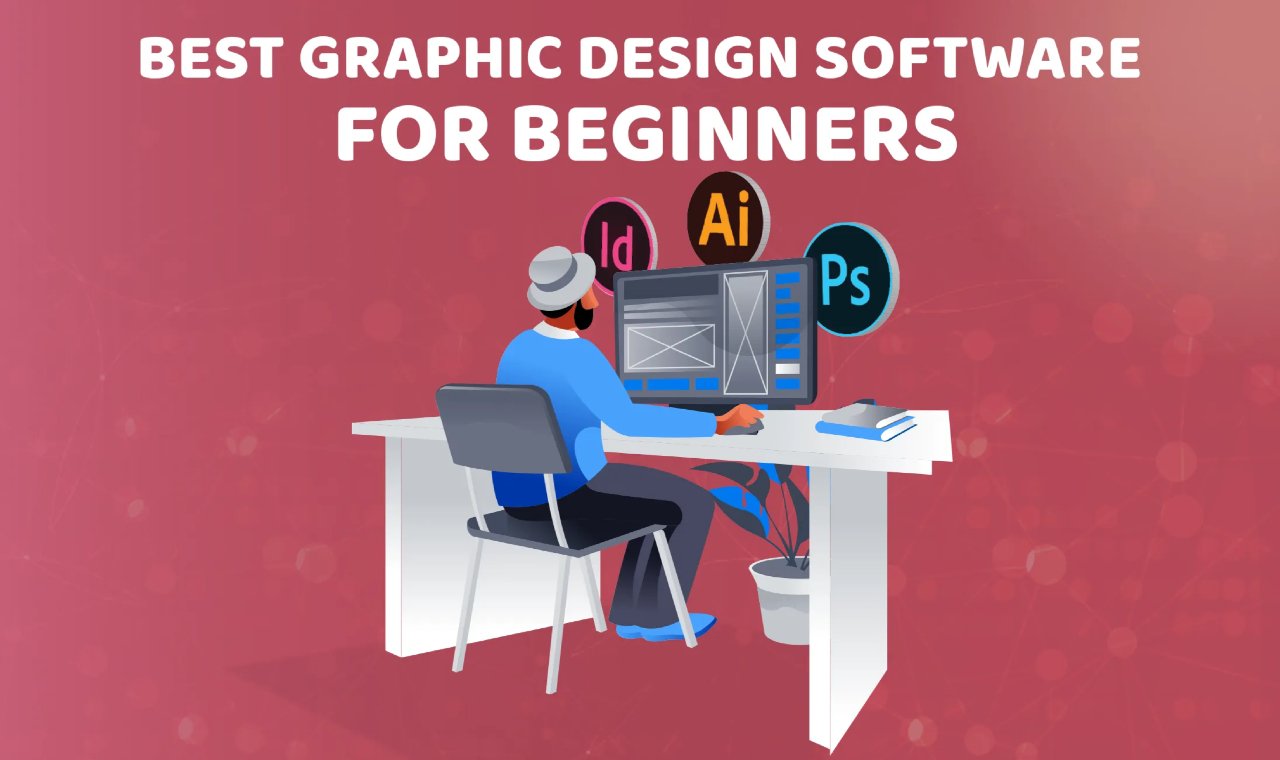
The best software for graphic design depends on what you design, but Adobe Illustrator, Adobe Photoshop, and Figma are generally considered the leading professional tools.
There is no single software that is perfect for every designer. Logo designers, branding specialists, web designers, and illustrators all have different needs. The best choice depends on your goals, workflow, and level of experience.
The software helps create the work.
Your design skills determine the quality.
Adobe Illustrator: Best for Logo and Brand Design
Adobe Illustrator is the industry standard for vector graphics.
It is commonly used for:
- Logo design
- Brand identity systems
- Icons
- Packaging design
- Illustrations
Why Designers Love Illustrator
- Vector graphics scale infinitely without losing quality
- Precise control over shapes and typography
- Professional printing compatibility
- Widely accepted by clients and agencies
If your goal is branding or logo design, Illustrator is often the best place to start.
Adobe Photoshop: Best for Digital Graphics
Photoshop remains one of the most powerful design tools available.
It is best for:
- Social media graphics
- Marketing materials
- Photo editing
- Digital artwork
- Website graphics
Key Advantages
- Advanced image editing
- Powerful creative effects
- Extensive plugin support
- AI-powered tools for faster workflows
Many graphic designers use Photoshop daily, even if it is not their primary design software.
Figma: Best for Web and UI Design
Figma has become the preferred platform for many web and product designers.
It is ideal for:
- Website design
- Mobile app design
- User interface design
- Prototyping
- Team collaboration
Why Figma Is Growing So Fast
- Cloud-based workflow
- Real-time collaboration
- Easy client feedback
- No complex file sharing
For modern digital design, Figma is often considered essential.
Adobe InDesign: Best for Publications
InDesign specializes in multi-page layouts.
It is commonly used for:
- Books
- Magazines
- Catalogs
- Reports
- Brochures
Benefits
- Excellent typography control
- Professional publishing workflows
- Efficient handling of large documents
It is less useful for logos or web design but remains the industry standard for print publishing.
Canva: Best for Beginners and Small Businesses
Canva has become extremely popular because it simplifies design.
It works well for:
- Social media posts
- Presentations
- Marketing graphics
- Quick business materials
Advantages
- Easy to learn
- Large template library
- Fast content creation
- No professional design experience required
However, Canva is generally not a replacement for professional design software.
Affinity Designer: Best Adobe Alternative
Affinity Designer is a professional-grade design tool without a subscription model.
It is commonly used for:
- Branding
- Illustration
- Marketing graphics
- Vector design
Why Designers Choose It
- One-time purchase
- Strong performance
- Professional features
- Lower long-term cost
It is a popular option for freelancers and small studios.
Which Software Should Beginners Learn First?
If you are starting from scratch:
For Graphic Design
- Adobe Photoshop
- Adobe Illustrator
For Web Design
- Figma
For Quick Content Creation
- Canva
Focus on learning design fundamentals first.
Good typography, composition, and visual hierarchy matter more than software.
What Professional Designers Use Most
Most professionals use multiple tools rather than relying on one.
A common workflow looks like:
- Illustrator for logos and vectors
- Photoshop for graphics and image editing
- Figma for websites and apps
- InDesign for print materials
Each tool has a specific purpose.
How Graphic Design Software Impacts Business Results
The best software is not necessarily the most expensive.
What matters is whether it helps create:
- Clear communication
- Strong branding
- Better user experiences
- Higher-converting marketing materials
Businesses benefit from outcomes, not software choices.
How RanksGiving Views Design Tools
At RanksGiving, design software is viewed as a means to an end.
The focus is on:
- Brand consistency
- Visual clarity
- User experience
- Conversion-focused design
Tools support execution.
Strategy drives results.
The Practical Takeaway
The best graphic design software depends on your goals:
- Adobe Illustrator for logos and branding
- Adobe Photoshop for graphics and image editing
- Figma for web and UI design
- Adobe InDesign for publications
- Canva for fast content creation
- Affinity Designer as a professional Adobe alternative
Software helps bring ideas to life.
The designer ultimately determines the quality of the work.