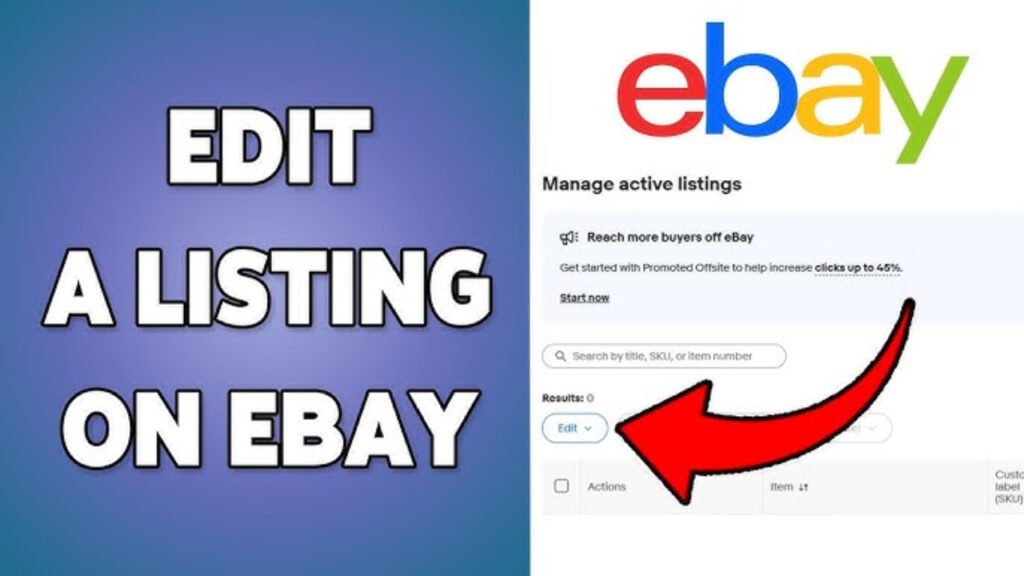

To edit an eBay listing, sign in to your eBay seller account, open your active listings, select the listing you want to update, and revise details such as the title, description, images, price, or shipping information.
Editing your listings regularly is one of the easiest ways to improve visibility and conversions. Whether you’re correcting information, updating prices, or optimizing your listing for eBay search, keeping your listings current helps attract more buyers.
A well-maintained listing performs better than one that’s never updated.
Step 1: Sign In to Your eBay Account
Start by logging into your eBay seller account.
Then navigate to:
- Seller Hub
- Or My eBay → Selling
Here, you’ll find all of your active listings.
Step 2: Find the Listing You Want to Edit
Locate the product you want to update.
Click:
- Edit
- Or Revise Listing
This opens the listing editor, where you can modify most parts of your listing.
Step 3: Update the Listing Title
Your title is one of the most important ranking factors in eBay search.
A good title should include:
- Brand
- Product type
- Material
- Color
- Size or model
- Important features
For example, instead of:
Leather Jacket
Use:
Men’s Black Cowhide Leather Biker Jacket Vintage Motorcycle Coat
A descriptive title improves discoverability.
Step 4: Improve Your Product Photos
Images often determine whether buyers click your listing.
Consider updating:
- Main product image
- Additional angles
- Close-up details
- Lifestyle images
- Size or measurement photos
Use high-resolution images with good lighting and clean backgrounds.
Step 5: Edit the Product Description
Your description should answer the buyer’s questions before they ask.
Include:
- Product specifications
- Materials
- Dimensions
- Features
- Package contents
- Care instructions
- Shipping details
Write clearly and organize information into short sections.
Step 6: Adjust Pricing
Review your pricing regularly.
Consider:
- Competitor prices
- Seasonal demand
- Promotions
- Inventory levels
- Profit margins
Pricing can significantly influence conversion rates.
Step 7: Update Item Specifics
Item specifics help eBay understand your listing and display it in search filters.
Examples include:
- Brand
- Size
- Color
- Material
- Style
- Condition
Complete as many relevant fields as possible.
Step 8: Review Shipping and Return Policies
Update if necessary:
- Shipping cost
- Handling time
- Delivery options
- Return period
- International shipping
Clear shipping policies increase buyer confidence.
Step 9: Save Your Changes
Before publishing:
- Check titles
- Review descriptions
- Verify pricing
- Confirm photos
- Proofread everything
Click Revise Listing or Save to publish your updates.
What Can’t Always Be Edited?
Depending on the listing, eBay may restrict certain changes.
For example:
- Listings with active bids
- Some auction listings
- Certain item categories
- Sold or completed listings
In these situations, you may need to end the listing and create a new one.
Why You Should Regularly Update Listings
Successful sellers don’t create listings once and forget them.
Regular updates help:
- Improve eBay SEO
- Increase click-through rates
- Improve conversion rates
- Keep product information accurate
- Stay competitive
Small improvements often lead to better long-term performance.
Common Listing Mistakes
Avoid:
- Short, generic titles
- Poor-quality images
- Incomplete descriptions
- Missing item specifics
- Outdated pricing
- Incorrect shipping information
Every detail influences buyer confidence.
How RanksGiving Optimizes Marketplace Listings
At RanksGiving, marketplace optimization goes beyond simply creating listings.
The approach includes:
- Keyword-focused titles
- Conversion-driven product descriptions
- Professional product presentation
- Marketplace SEO optimization
- Continuous performance improvements
The objective is to attract qualified buyers and maximize conversions.
The Practical Takeaway
Editing an eBay listing is more than correcting mistakes.
It’s an opportunity to improve:
- Search visibility
- Buyer trust
- Conversion rates
- Overall sales performance
Regular optimization helps your listings stay competitive in a constantly changing marketplace.