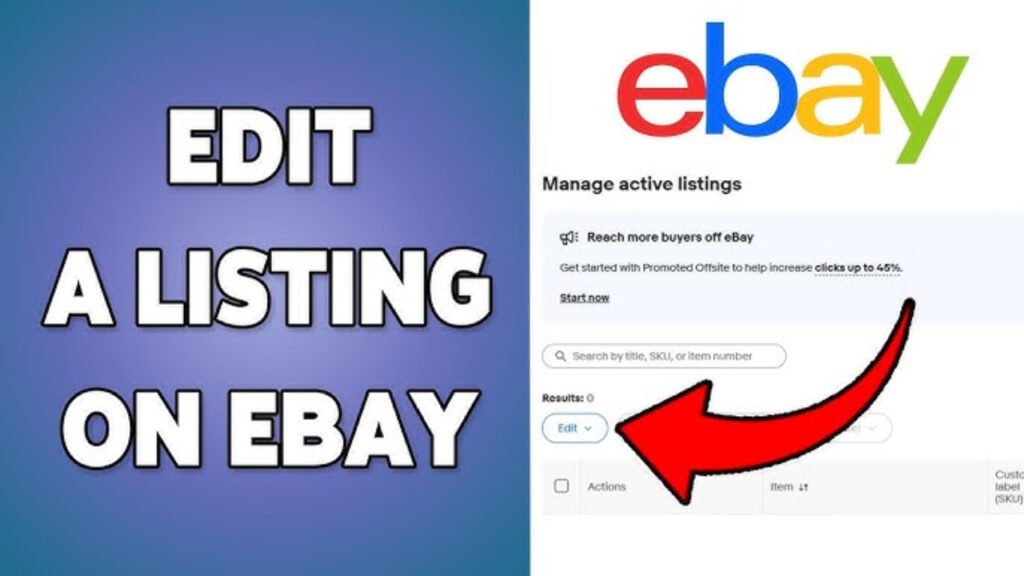
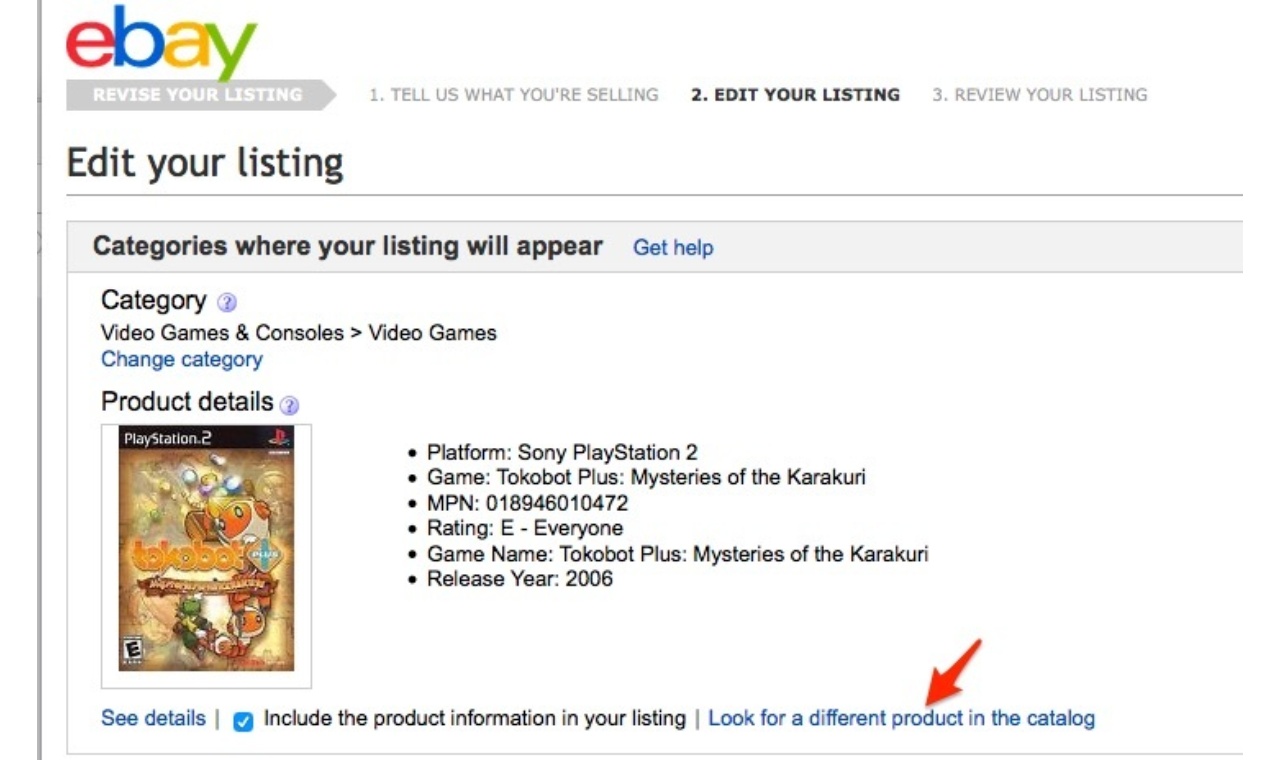
To edit an eBay listing, go to your Seller Hub or active listings page, select the listing you want to change, and update the details you need such as title, price, images, description, or shipping settings.
Editing listings is a normal part of managing an eBay store. Sellers often update listings to improve SEO, adjust pricing, refresh images, or fix product information.
Small optimizations can improve visibility and conversion rates over time.
Step 1: Log Into Your eBay Account
Start by signing into your eBay seller account.
Then go to:
- Seller Hub
or - My eBay → Selling
This is where your active listings are managed.
Step 2: Find the Listing You Want to Edit
Inside your active listings:
- Locate the product
- Click “Edit” beside the listing
You can usually edit:
- Titles
- Descriptions
- Images
- Pricing
- Shipping details
- Item specifics
Some restrictions may apply depending on the listing status.
Step 3: Update the Listing Title
Your title is critical for eBay SEO.
Improve titles by:
- Adding relevant keywords
- Describing the item clearly
- Including brand, model, size, or condition
For example, instead of:
“Leather Jacket”
Use:
“Men’s Black Cowhide Leather Biker Jacket Vintage Style”
Specific titles improve visibility.
Step 4: Improve Images
Images strongly influence conversions.
When editing:
- Use clean backgrounds
- Add multiple angles
- Improve lighting and clarity
- Show important details clearly
Strong visuals increase trust and click-through rates.
Step 5: Optimize the Description
Descriptions should be:
- Clear
- Structured
- Informative
Include:
- Material details
- Measurements
- Features
- Condition
- Shipping information
Avoid keyword stuffing.
Write for buyers first.
Step 6: Update Pricing if Needed
You may want to adjust pricing based on:
- Competitor pricing
- Market demand
- Sales performance
- Promotions or discounts
Pricing directly affects conversion rates.
Step 7: Review Item Specifics
Item specifics help eBay understand your product.
Examples include:
- Brand
- Color
- Size
- Style
- Material
Completing these properly improves discoverability in search filters.
Step 8: Edit Shipping and Return Settings
You can also update:
- Shipping costs
- Handling time
- Return policy
- International shipping options
Fast shipping and clear return policies improve buyer confidence.
Step 9: Save and Publish Changes
After making edits:
- Review everything carefully
- Click “Save” or “Revise Listing”
Your changes will update immediately or shortly after.
What You Cannot Always Edit
Certain fields may become restricted if:
- The listing already has bids
- The item has sold variations
- The category has limitations
In some cases, you may need to end and relist the item.
Why Editing Listings Matters
Regular listing optimization helps:
- Improve eBay SEO
- Increase visibility
- Improve conversion rates
- Keep information accurate
Many successful sellers continuously refine listings based on performance.
How RanksGiving Views Marketplace Optimization
From a performance perspective, listing optimization is ongoing.
At RanksGiving, marketplace growth focuses on:
- Search-focused titles
- Conversion-driven visuals
- Structured descriptions
- Continuous optimization based on data
Small improvements compound over time.
The Practical Takeaway
To edit an eBay listing:
- Open your active listings
- Select the listing
- Update titles, images, descriptions, pricing, or shipping
- Save the changes
Consistent optimization improves both visibility and sales performance.